Benchmarks & Load Tests
Check endpoint connections and model lists, then run individual benchmarks and concurrent load tests.

PRODUCTS / HARDWARE & SOFTWARE
Choose a solution based on your workload and number of users, from one workstation to a multi-node private AI environment.
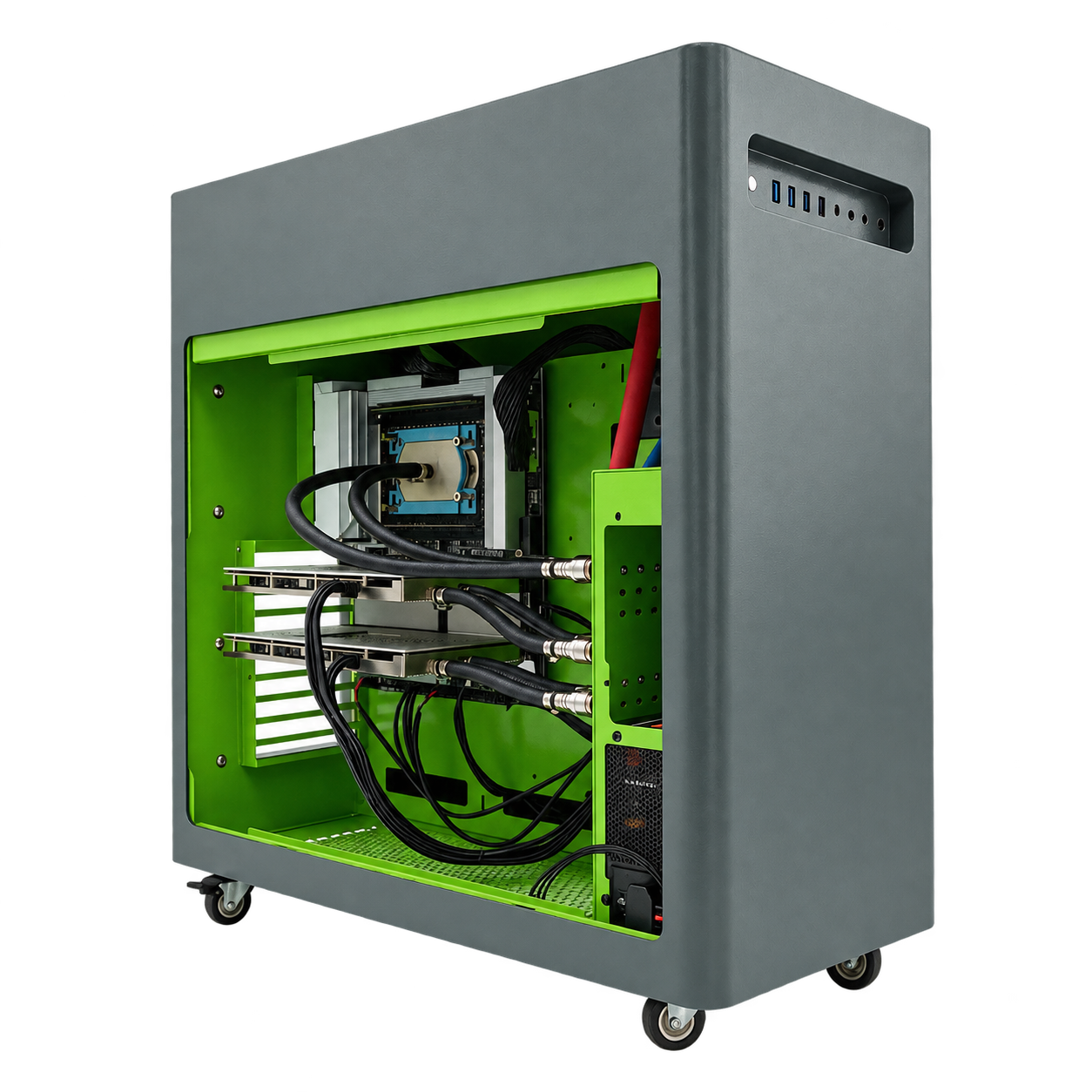
01 / AI WORKSTATION
For individual developers, creative professionals and teams, we design local AI workstations by considering GPU configuration, cooling, power and the software environment together.
Each GPU has its own memory. Multi-GPU operation depends on the model, framework and system configuration. Hardware and pricing are confirmed in the final proposal.
WORKSTATION / DETAILS
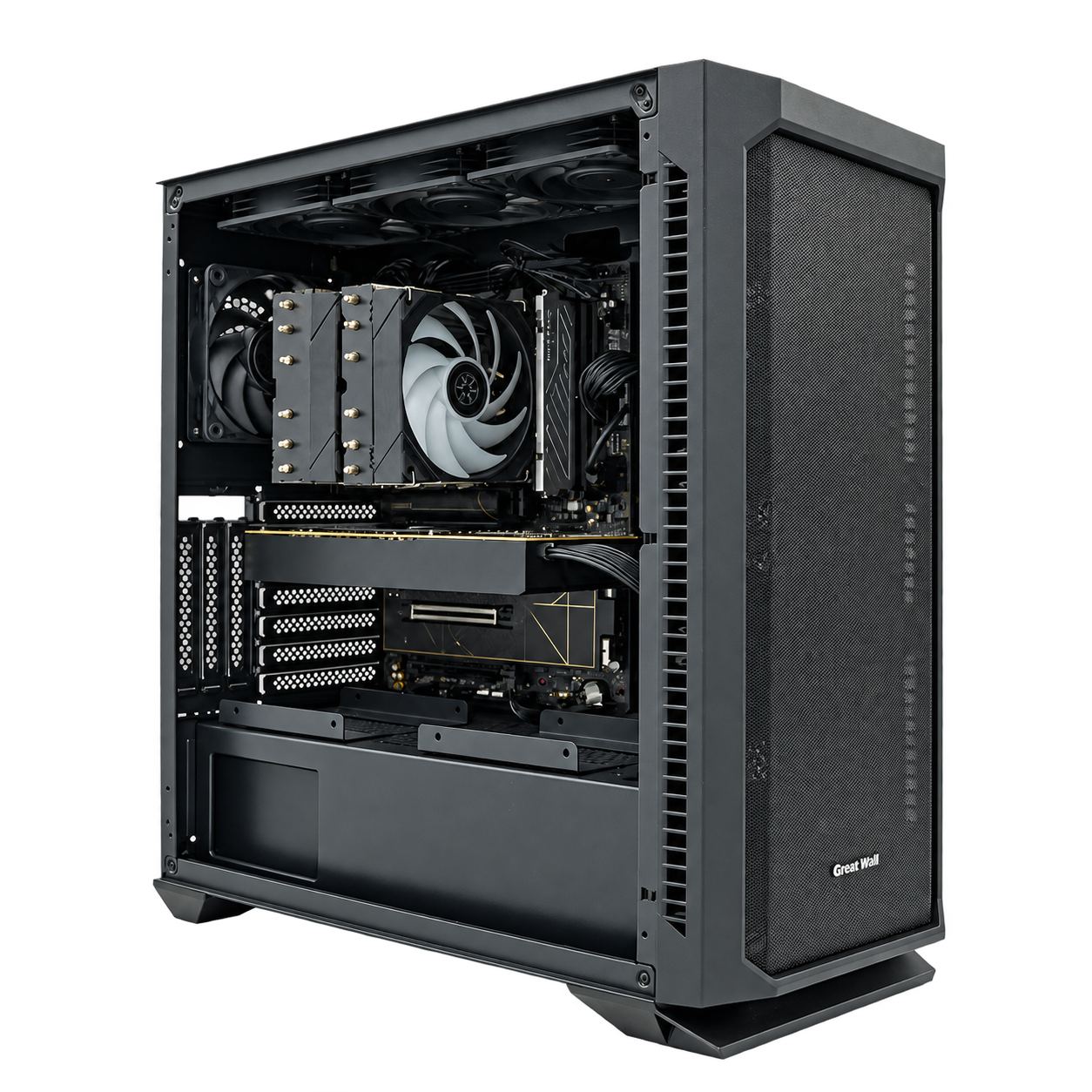
Examples of a liquid-cooling layout and a standard chassis build. The final workstation proposal specifies the cooling configuration and which components it covers.
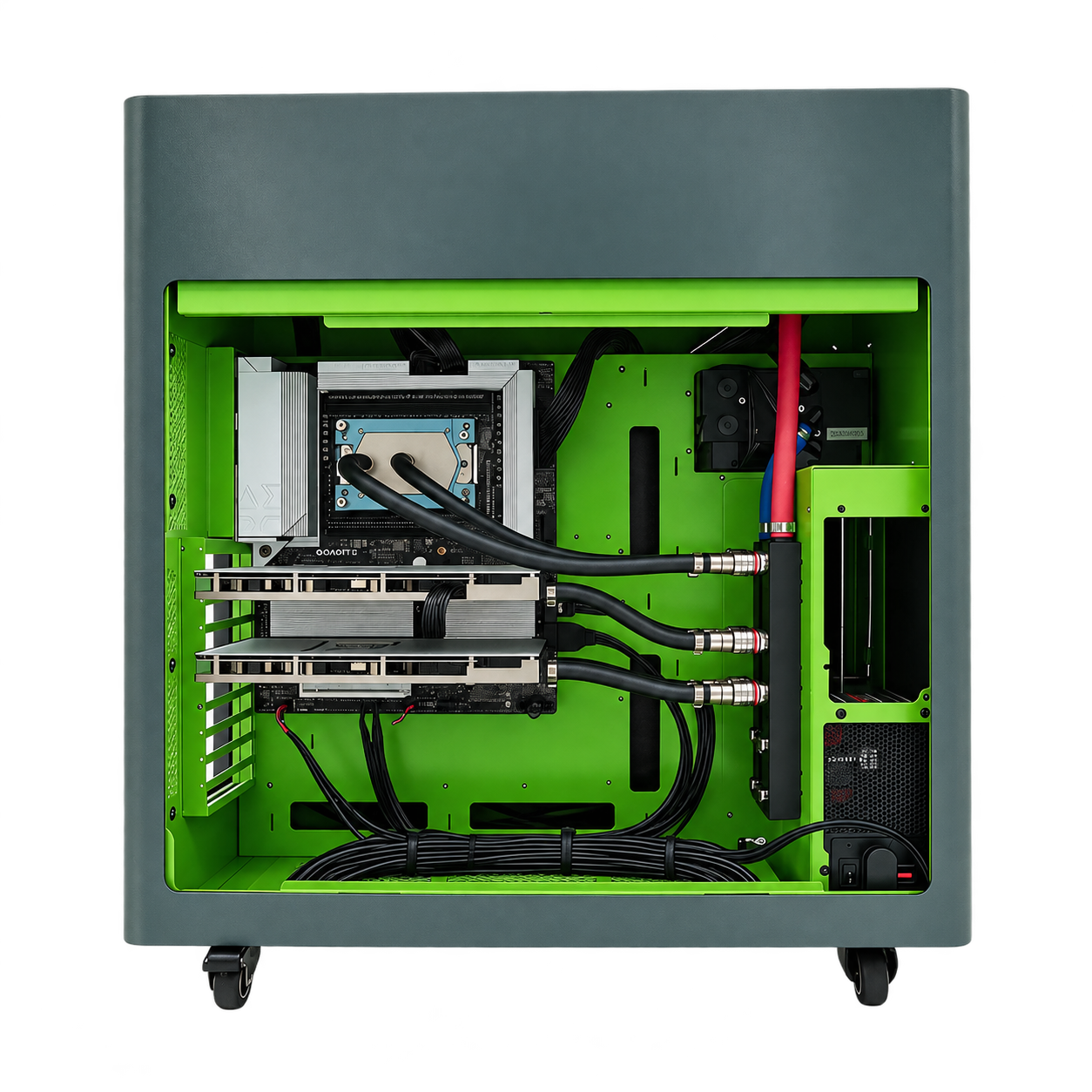
A real build showing cooling blocks, cooling loops and a dual-GPU layout.
The pictured build uses a tower-style CPU cooler and is shown separately from the liquid-cooled workstation.
02 / DGX SPARK
Private AI deployments for small teams, business departments, and educational and research institutions. We deploy models in your environment, configure networking, validate performance, and set up user access.
Device count and memory capacity alone do not show whether a model will run successfully. Model compatibility and performance must be validated in the actual environment.
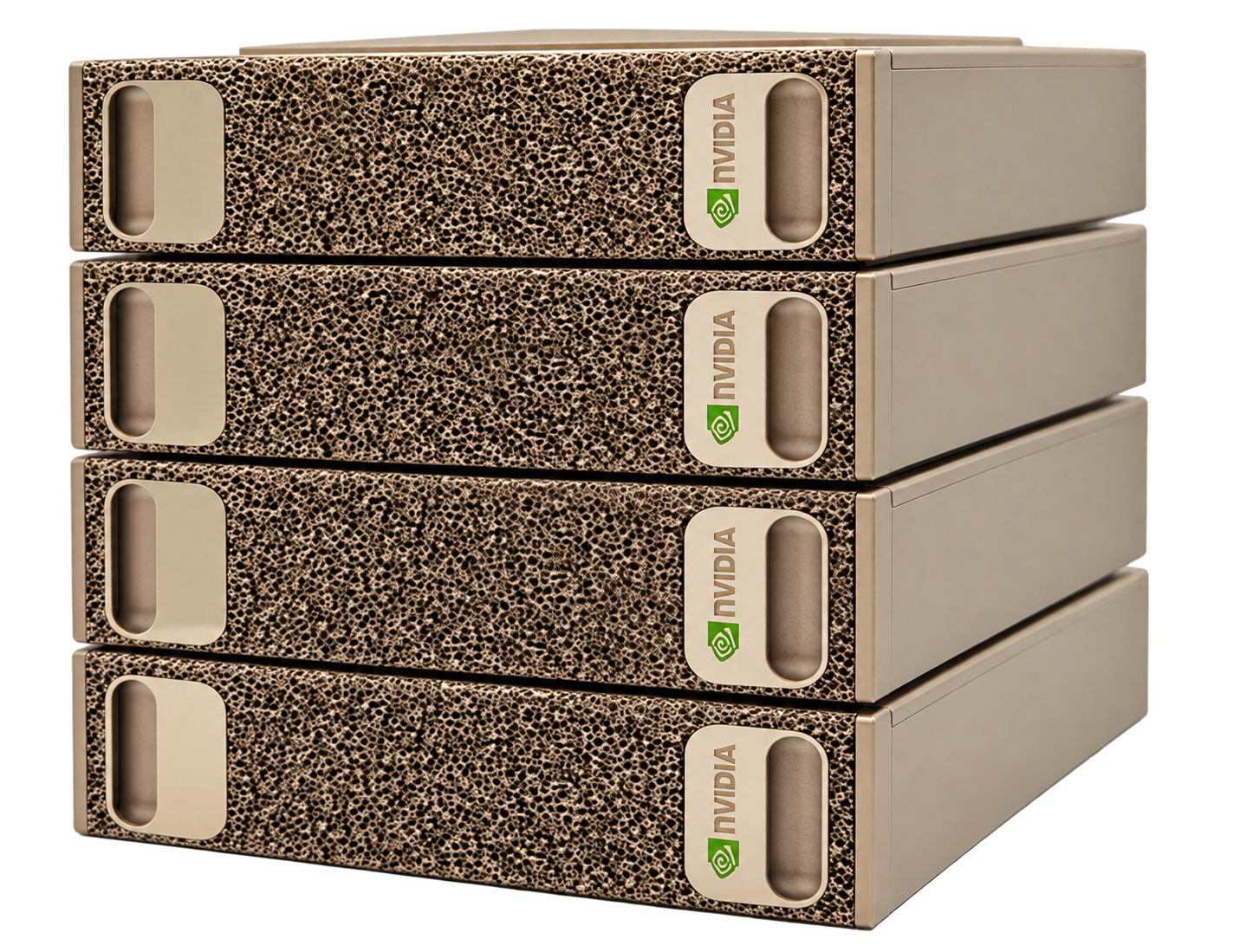
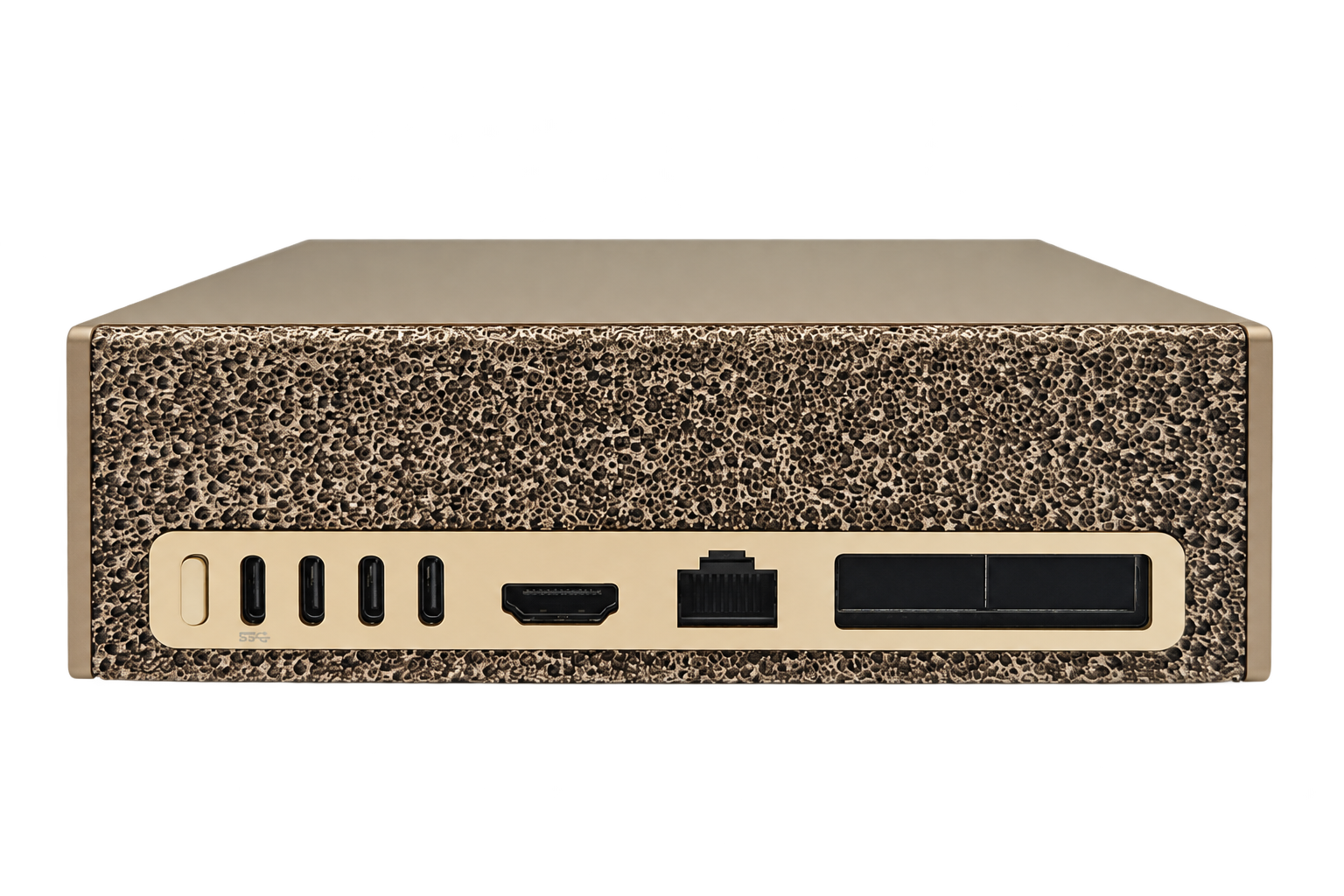
A photograph of the rear connections. Network and model environment configuration is included in the agreed deployment plan.
03 / ENTERPRISE DEPLOYMENT
For enterprise multi-GPU platforms, we assess architecture against target models, usage and data boundaries, then carry out model deployment, performance tuning and acceptance testing.
We document the test environment, parameters, metric definitions and supported scope, with reproducible results and operating instructions.
See our delivery process04 / AI COMPUTE CONTROL CENTER
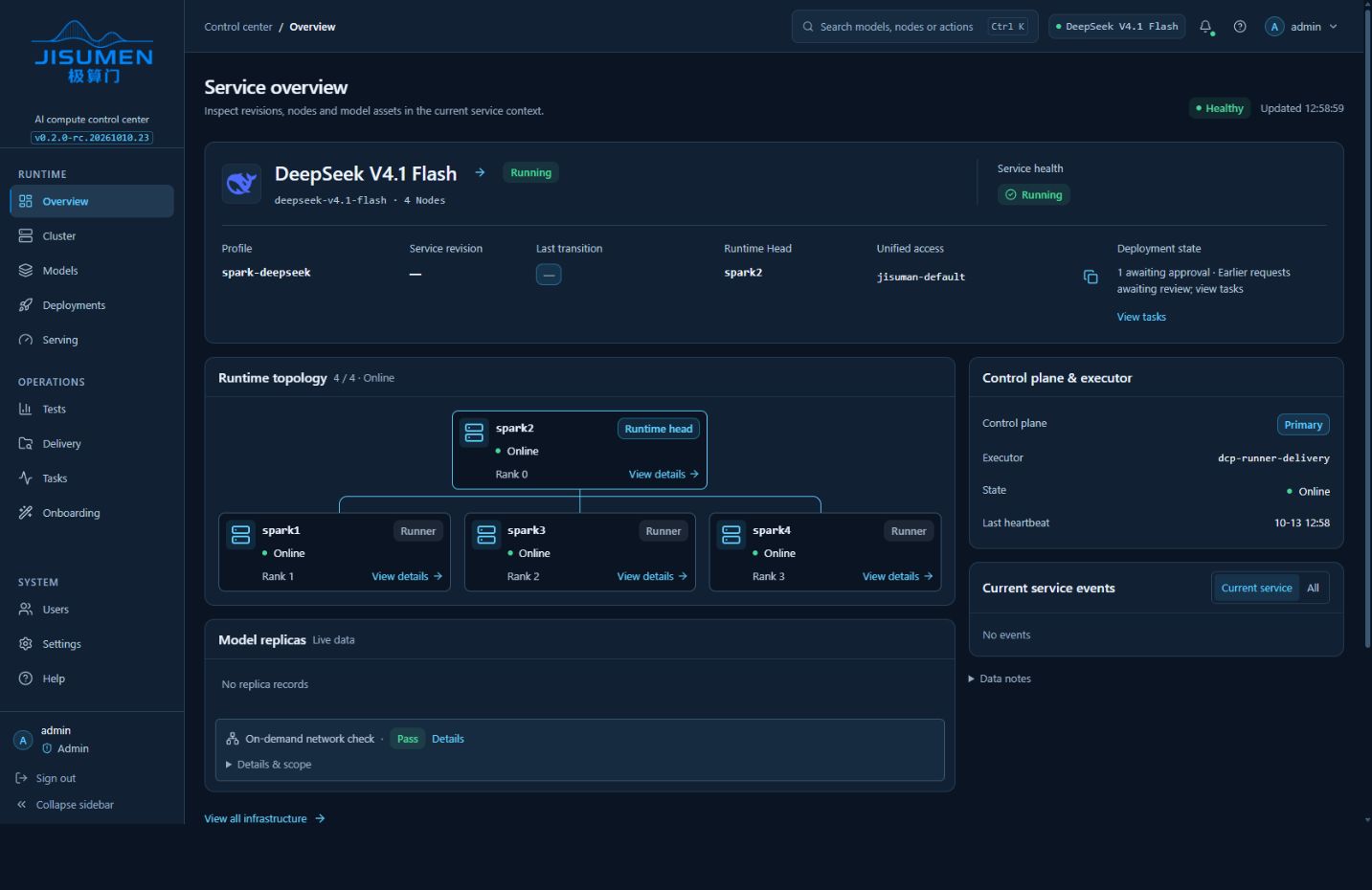
An entry point for model operation and cluster management in private compute environments, bringing status, node resources, activity records and logs together.
OPEN SOURCE / LLM-BENCHMARK-GUI
LLM Benchmark GUI
JISUMEN's LLM service performance testing tool works with OpenAI-compatible endpoints, helping developers and deployment teams assess throughput, latency and concurrent operation.
Check endpoint connections and model lists, then run individual benchmarks and concurrent load tests.
Compare throughput, latency and success rates across concurrency levels to help assess operating configurations.
Save test runs and review historical results, with JSON, Markdown and chart outputs.
Chinese and English interfaces are available. Core benchmarks use the Python standard library; charts and PNG export require optional dependencies. See the project documentation for features and setup. Interpret results alongside the test environment and parameters.
Hardware, models and application environments need to be assessed together. We start with real workloads, then define resources, implementation scope and acceptance criteria.
RUNNING VERSION / MAILHALO
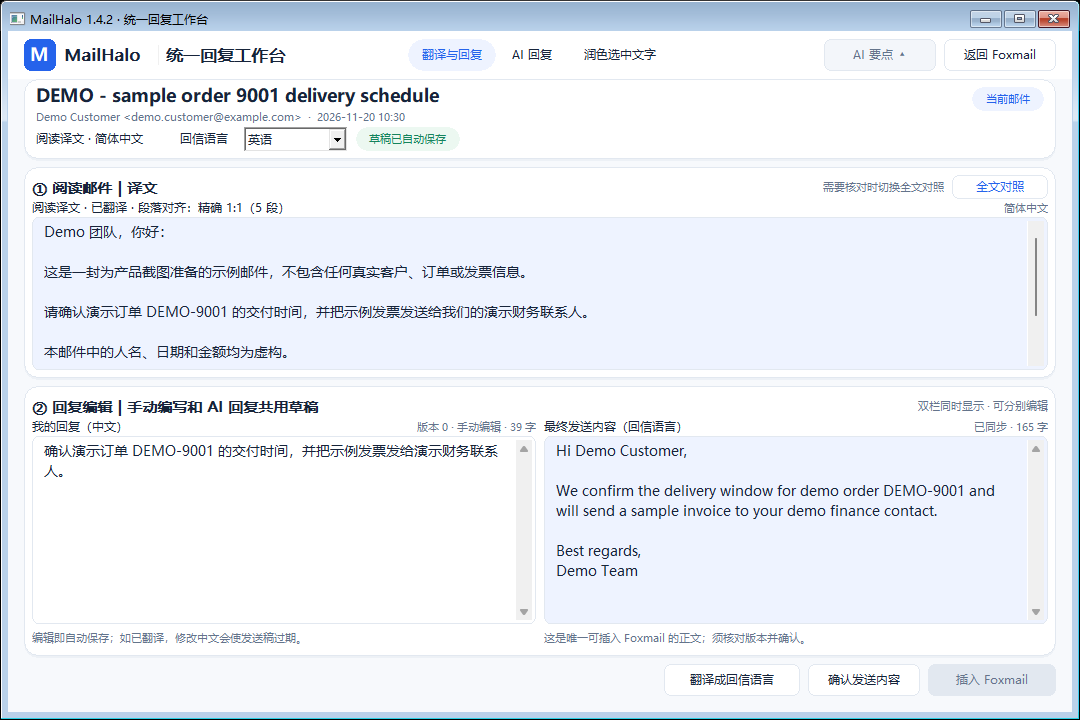
MailHalo is a desktop AI email assistant built by JISUMEN. It works with your existing Foxmail workflow, offering side-by-side translation, key-point and to-do extraction, and reply assistance you confirm before anything is used.
Read and preview first. You review the content, insert the chosen reply, then edit and send.
A running version under continuous validation. Supports Windows 10 / 11 (64-bit) with Foxmail 7.x. English and less common languages such as German, French and Japanese can all be read side by side; no public installer is available yet — contact us to request a trial.
START WITH A REAL TASK
Tell us about your tasks, users and existing hardware, so the solution starts with your actual needs.